Flip Image Online Horizontally or Vertically
Flip image files online for free in seconds. Mirror photos horizontally or vertically directly in your browser with no signup and no quality loss. Our free image flipper lets you transform and adjust pictures for presentations, social media, or product listings in just a few clicks. Upload PNG, JPG, and other popular formats, flip instantly, and download the final result in excellent quality. No software installation, complicated steps, or design skills required.
Select a file or drag and drop here
JPG, PNG, JPEG or WEBP, file size no more than 10MB
How to Flip an Image Online
Using the editor is simple and takes only a few clicks.

Upload your photo
Start by selecting a free image from your device. Drag and drop the file into the editor or choose it manually. Supported file types include jpg, png, and more for quick editing.

Click on the image
Once uploaded, click on the image to activate editing controls. This opens the image editing menu, where transformation options become available for fast and simple adjustments.

Choose flip direction
Select whether to flip your image horizontally, flip vertically, or apply both directions if needed. Choose the best orientation instantly and preview changes before saving the final result.

Download your final file
After making adjustments, save your image in your preferred format and use it anywhere online or offline. Download the finished file instantly with strong image quality preserved.
Flip Image Online Free Instantly
Flip image files online for free with a fast, seamless editor. No install or signup. Upload your photo, flip horizontally or vertically, preview, and download in seconds. Supports JPG, JPEG, PNG, GIF while preserving quality and original format when possible.
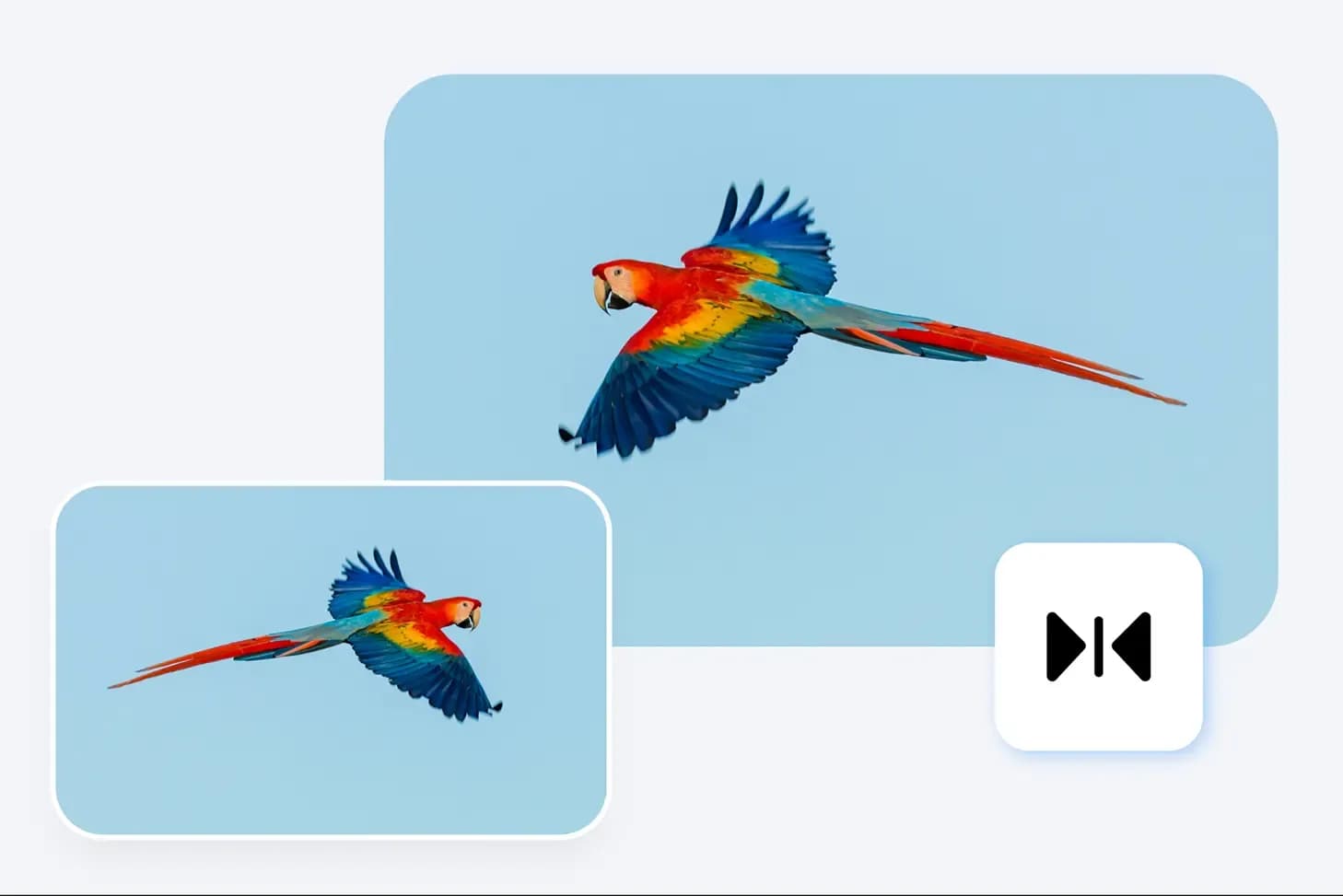
Flip Images in Seconds
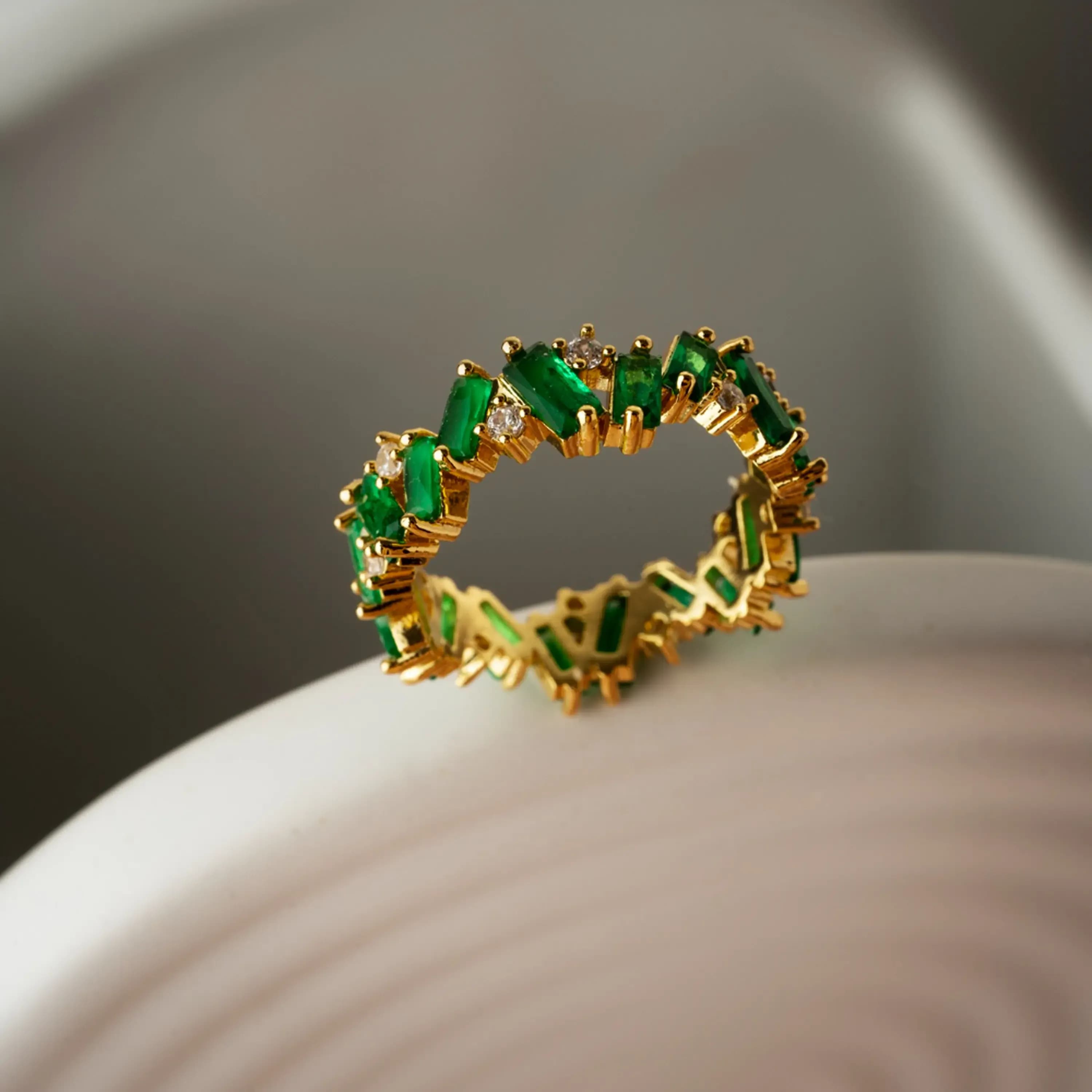
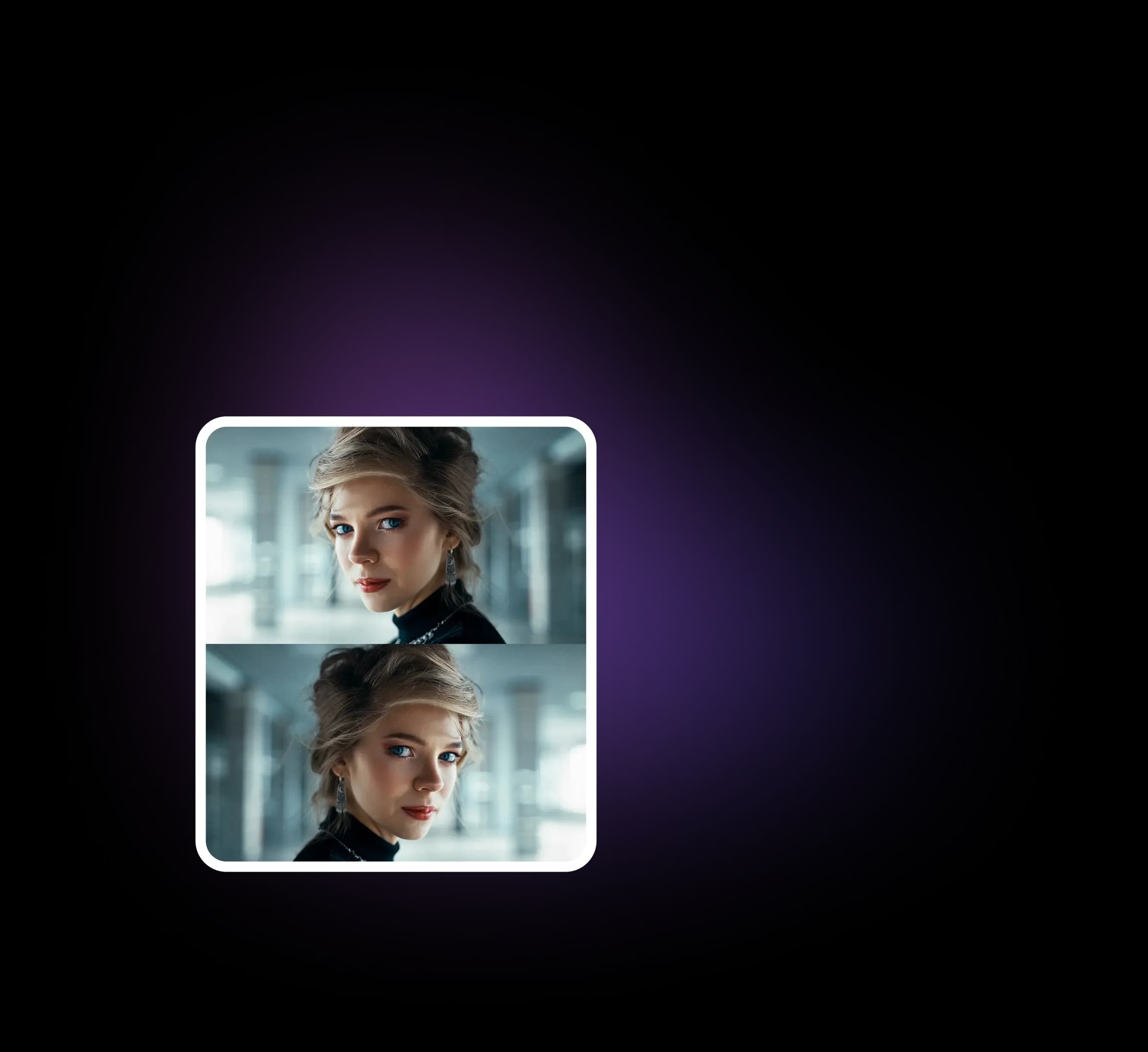
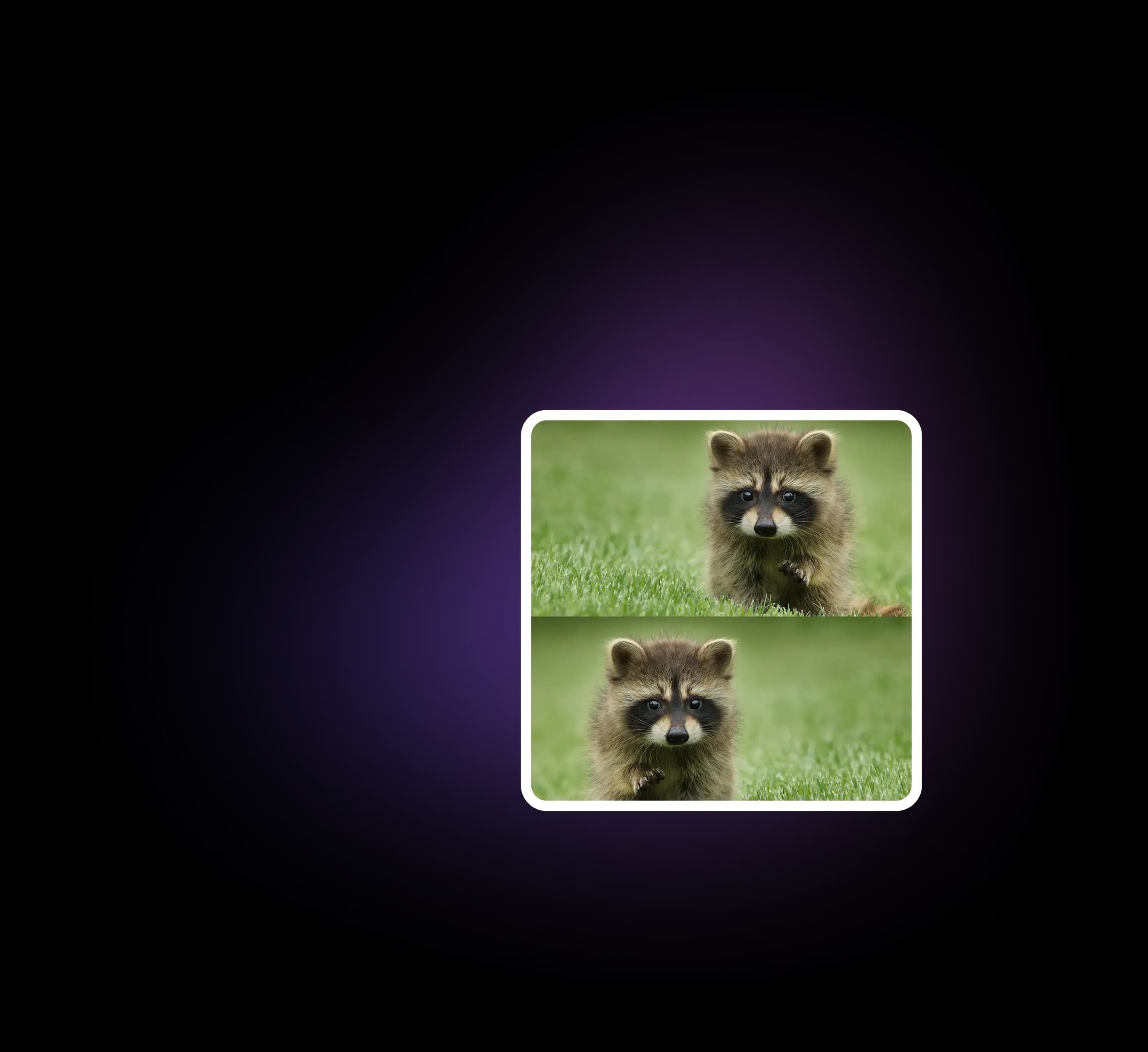
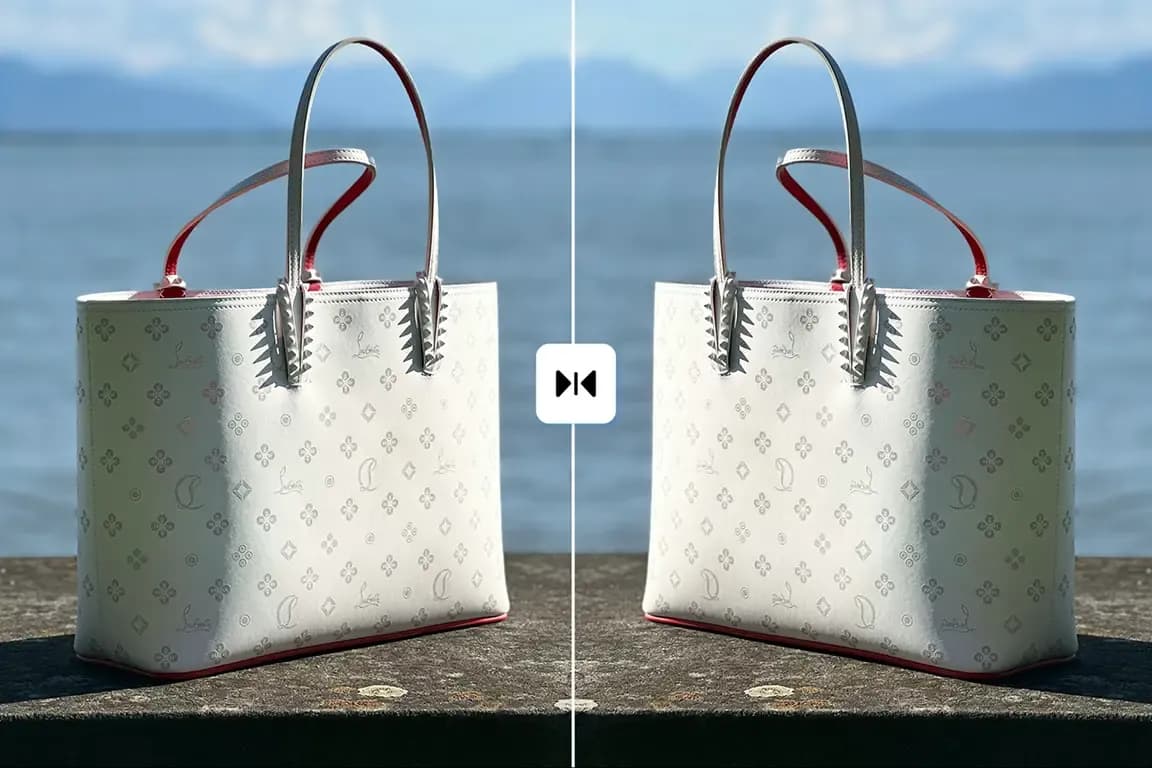
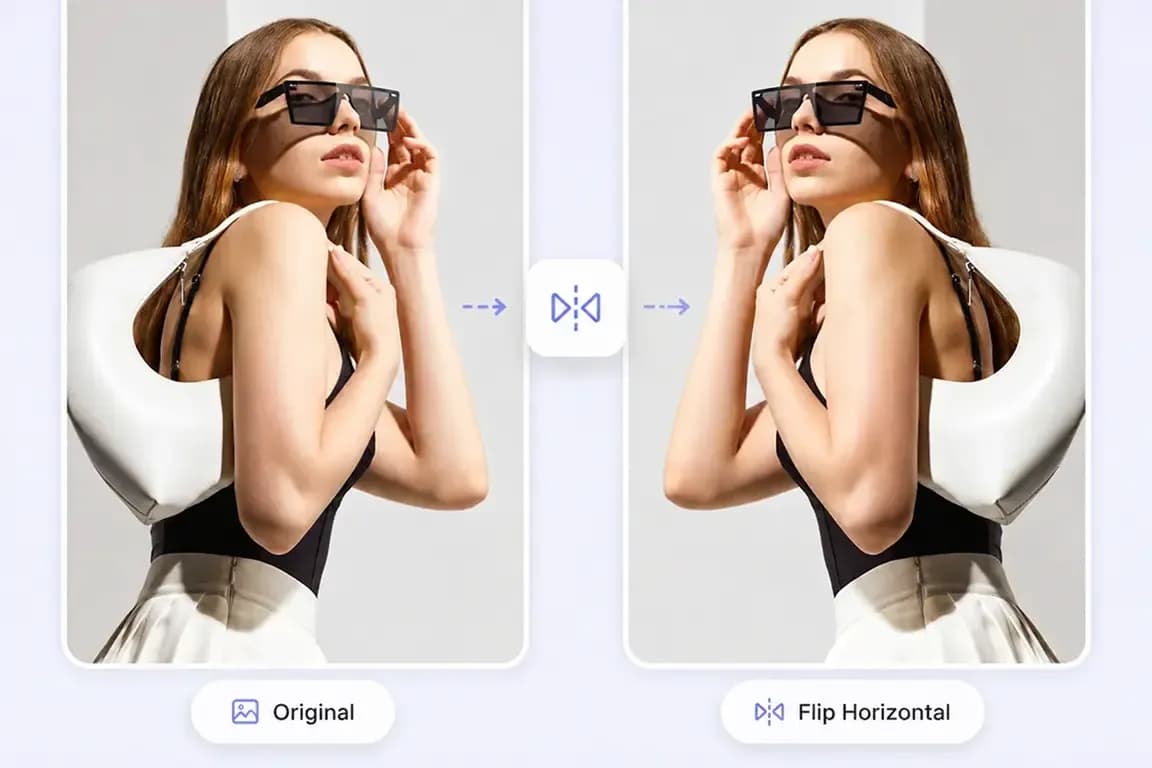
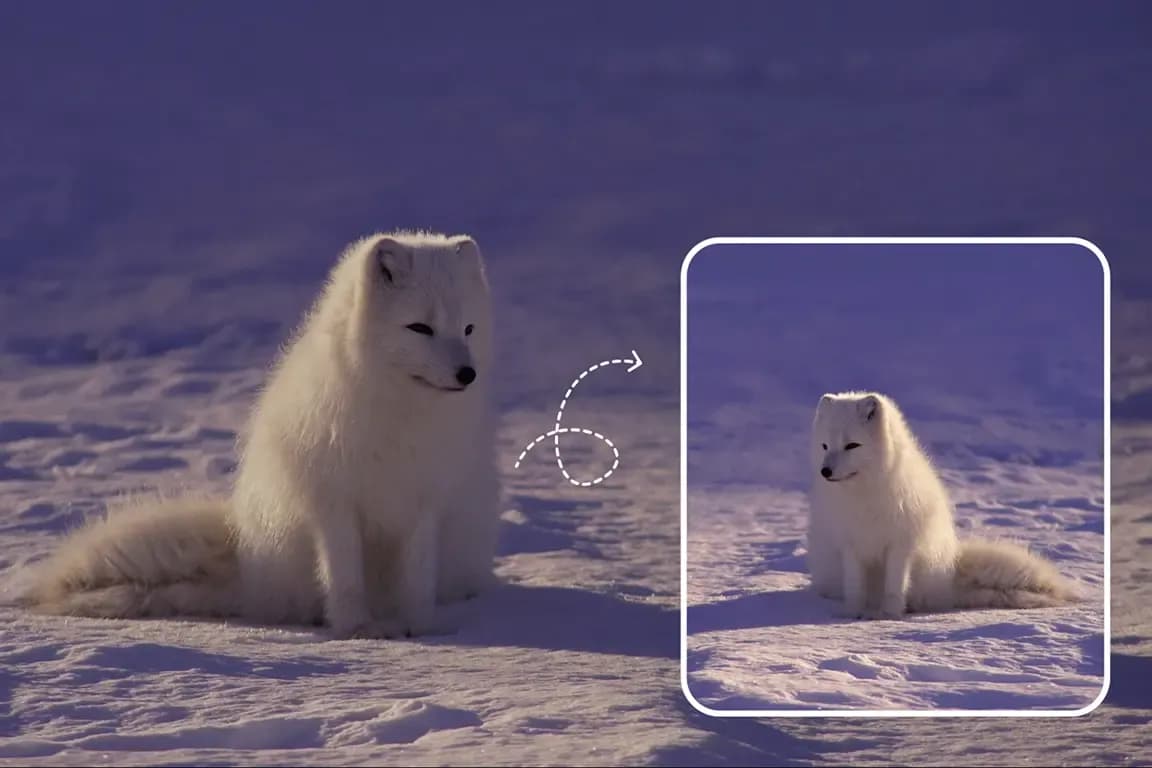
Flip photos vertically or horizontally for free in a few clicks. Use a horizontal flip to mirror left to right or a vertical flip to turn top to bottom. Correct reversed selfies, fix orientation mistakes, improve product photos, adjust social graphics, or turn an upside-down image the right way instantly.
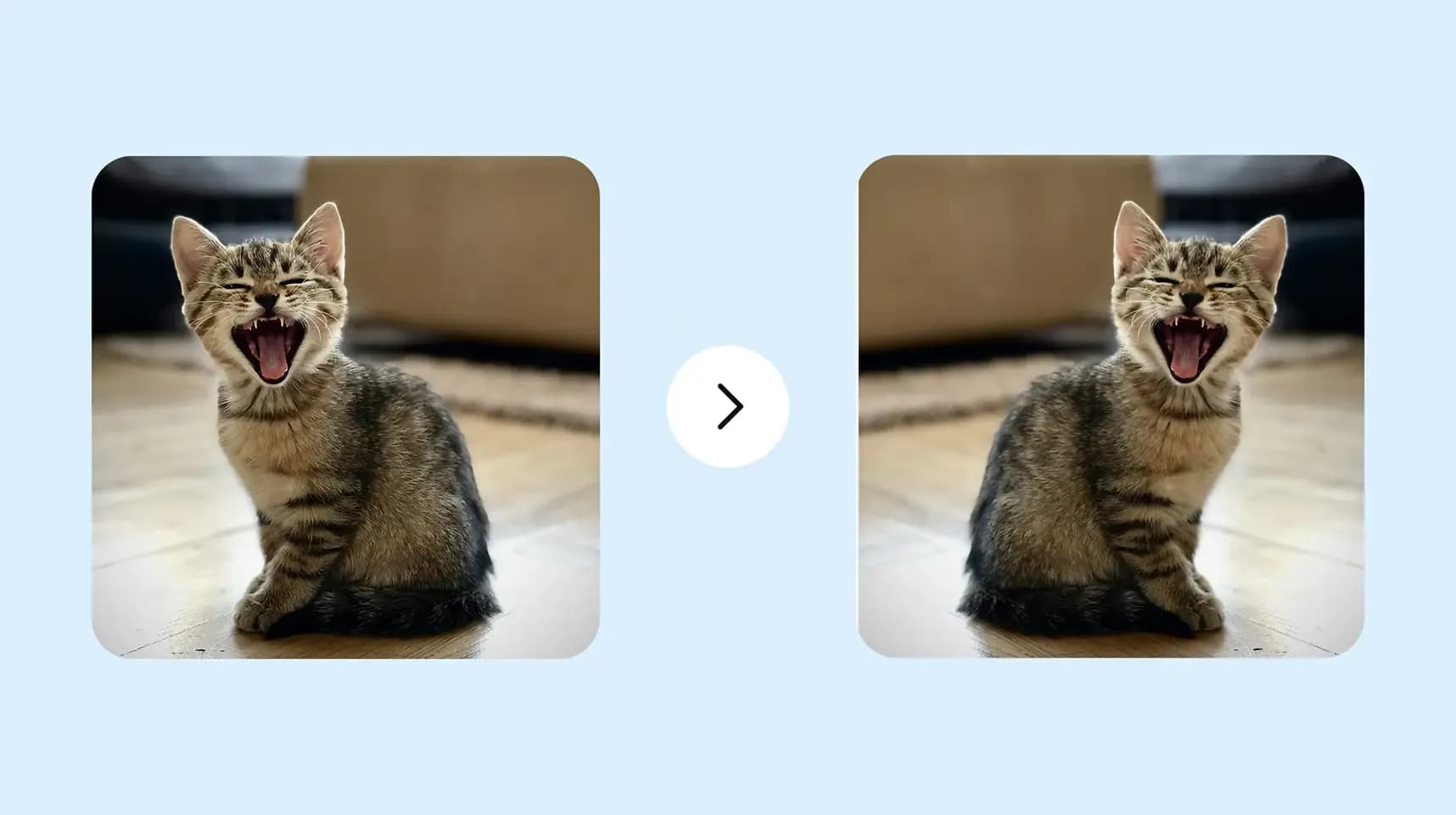
Flip Image Horizontally or Vertically
Choose the best direction for every photo. Horizontal flip works well for mirrored text, banners, layouts, and product images. Vertical flip is ideal for reflections, scanned pages, and creative effects. Use both options together to fully transform the image.
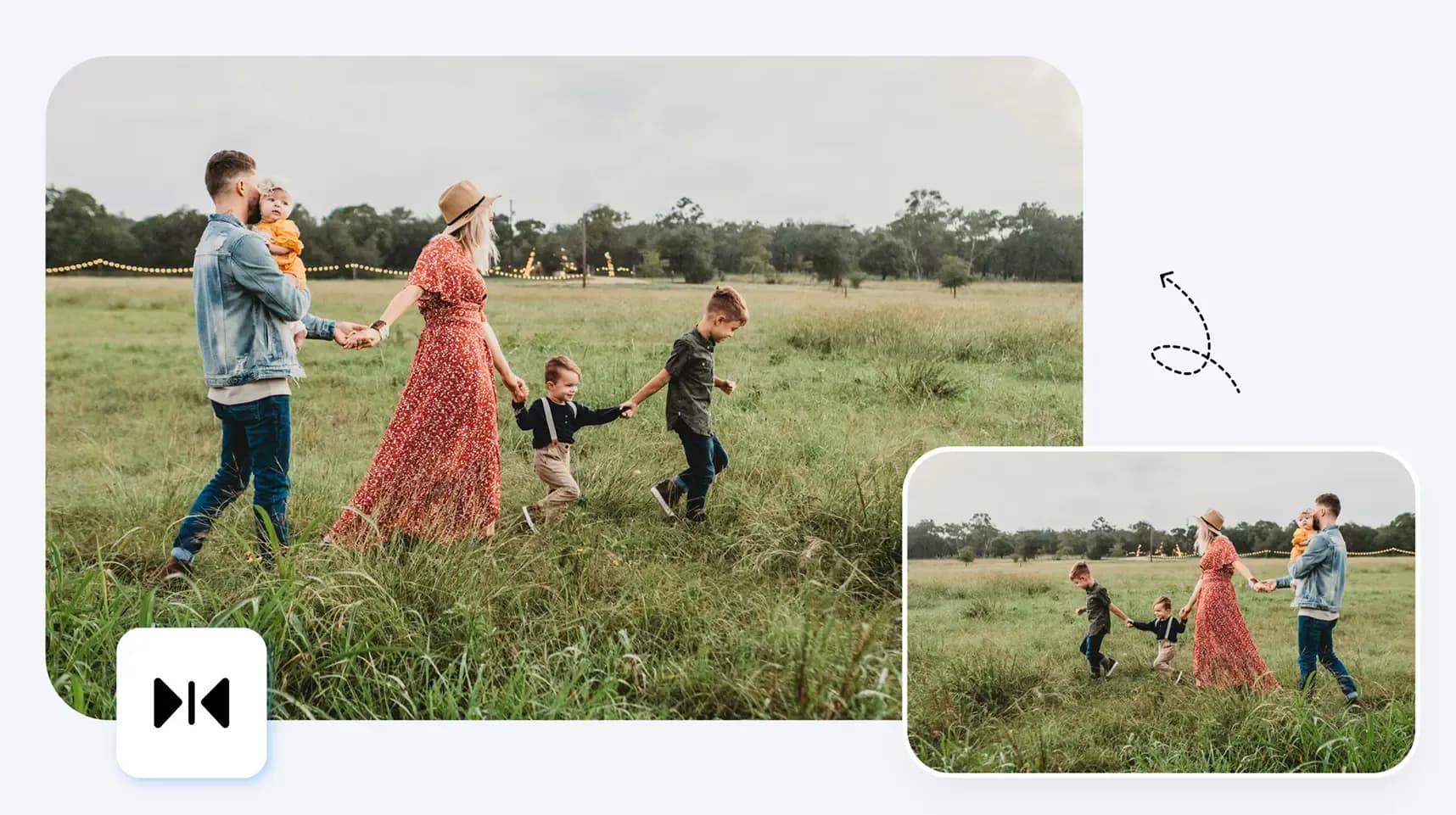
More Than Image Flipping
After changing orientation, continue editing with built-in tools. Rotate images, crop empty edges, resize for social media, add backgrounds, improve composition, and create branded graphic content for marketing, presentations, or everyday use.
Use Cases for Flipping Images
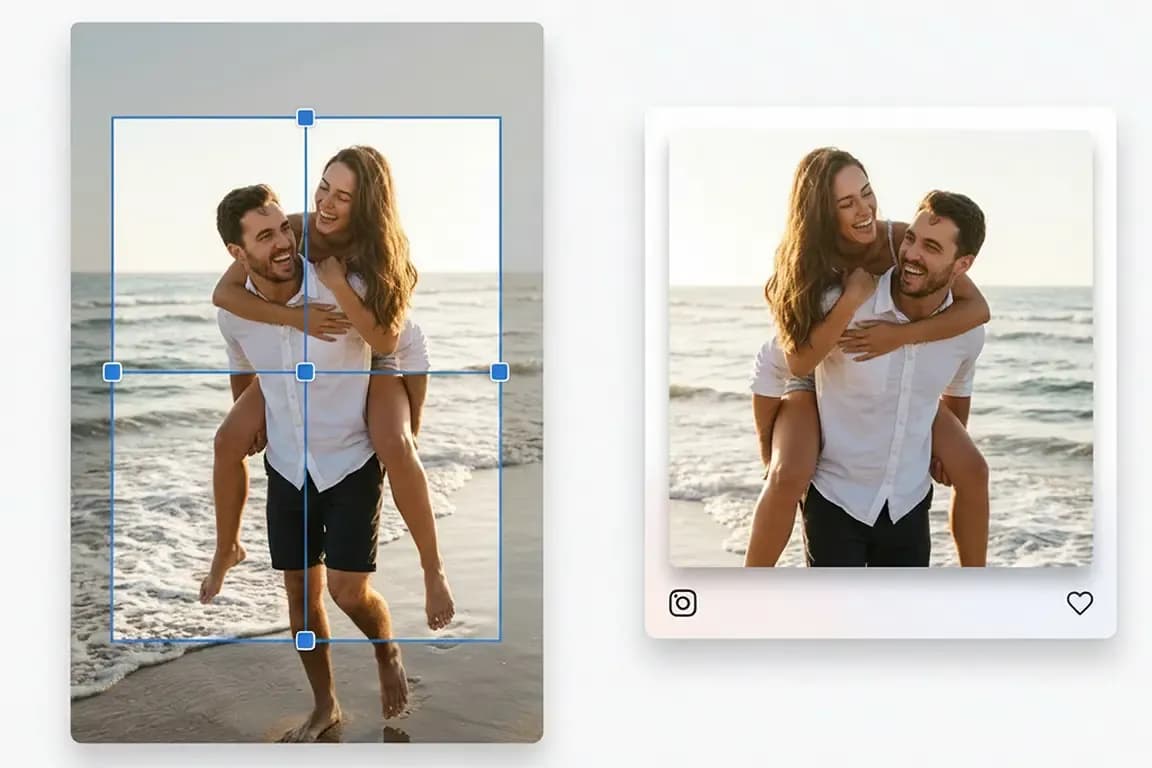
Why Choose Our Free Image Flipper
Trusted by creators who need fast, secure, high-quality image flipping online.

No Downloads Required
Everything works directly in your browser, so there is no software to install.
High Image Quality
Your edited file keeps strong clarity, color, and detail. We optimize output while preserving image quality.
Easy for Everyone
The interface is clean and beginner-friendly. Just upload, flip, and download.
Secure and Fast Online Editing
We know privacy matters. Your files stay protected while images are processed efficiently on secure systems with fast uploads and reliable exports.
FAQ
Flip Your Image Free Online Now
Flip images online for free. No install or signup. Upload, flip horizontal or vertical, preview, and download in seconds.
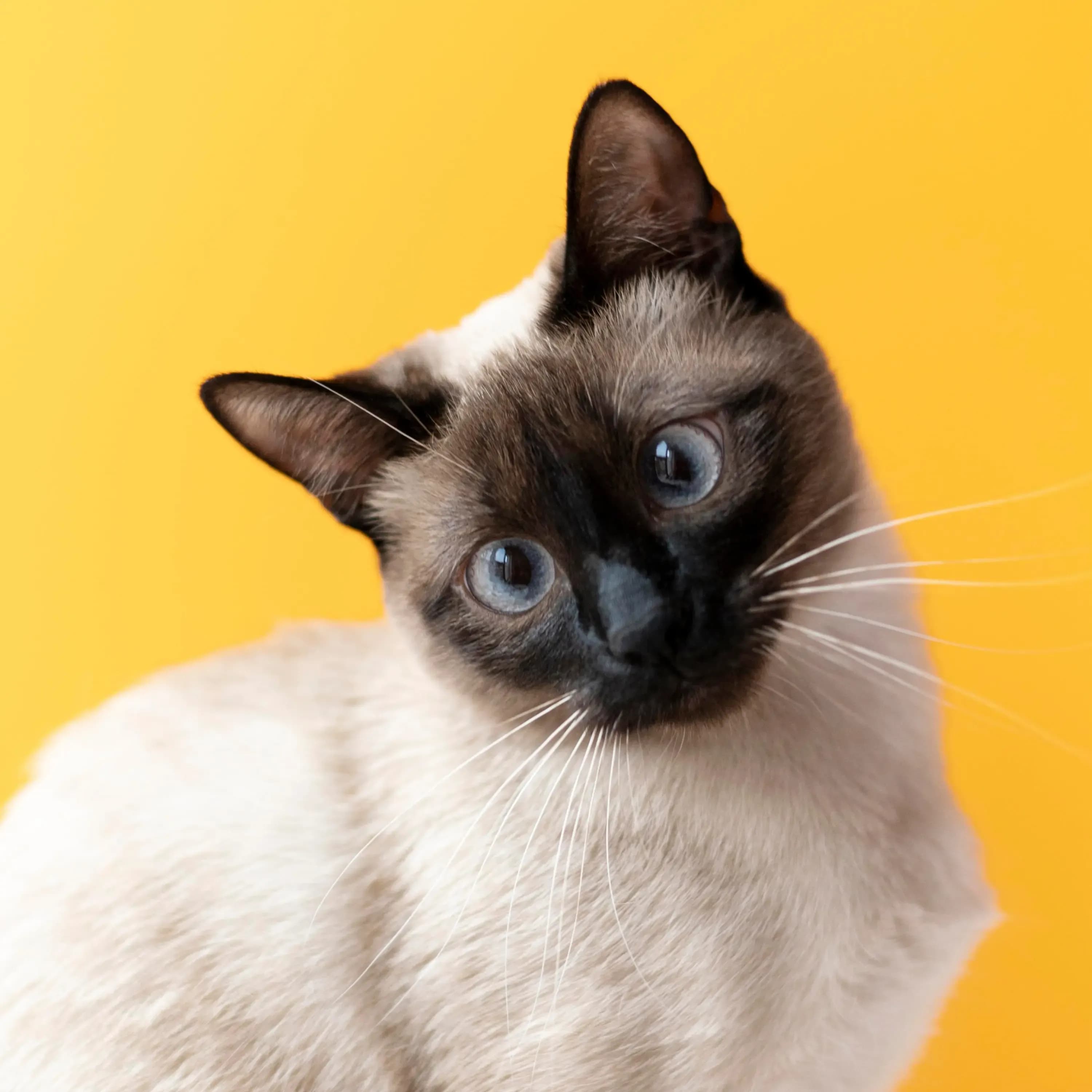
No image? Try one of these: