
Free Online Image Cropper – Crop Image & Crop Photos Online
Our free online image cropper makes it easy to crop image files, resize photos, and create the perfect crop in seconds. Use this online image cropper tool directly in your browser with no app required. Whether you need to crop a picture for social media, adjust dimensions for design projects, or trim unwanted edges, our photo cropper gives you fast and precise results. Upload your photo, edit instantly, and download your image in high quality.
Select a file or drag and drop here
JPG, PNG, JPEG or WEBP, file size no more than 10MB
How to Crop an Image Online
Cropping a photo is simple and takes only a few clicks.

Upload your image or photo
Choose any image from your device, browser, or cloud storage. Upload your photo securely and begin editing immediately.

Select crop area or aspect ratio
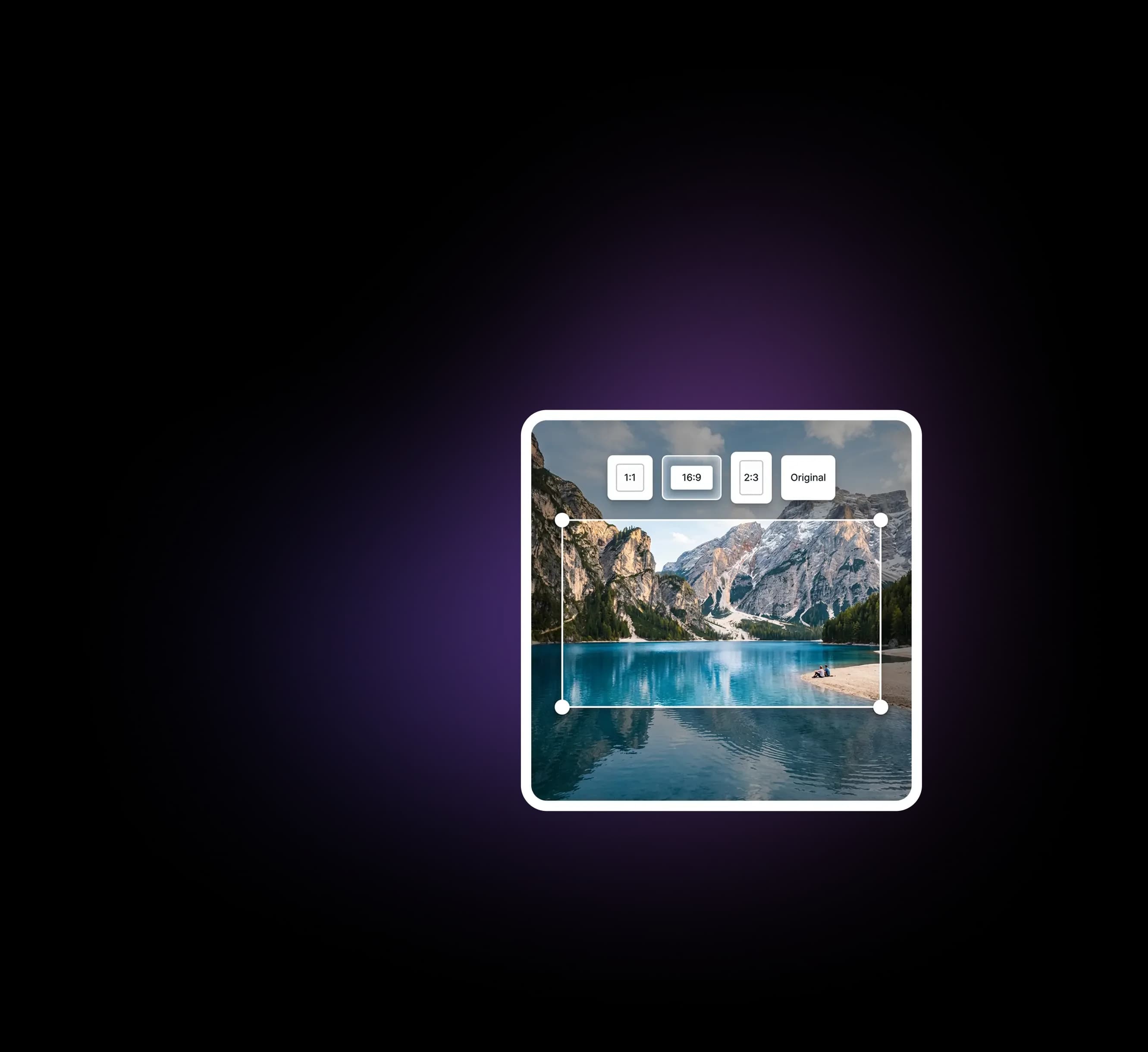
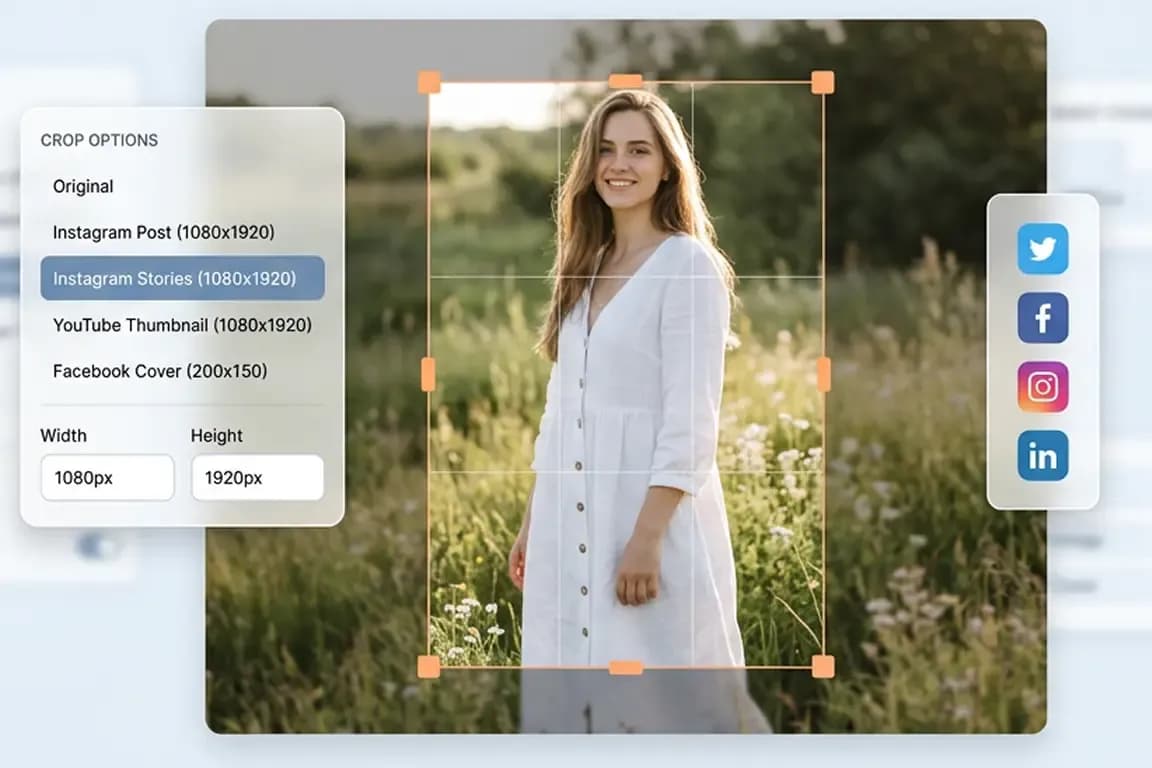
Use the handles to drag and resize the crop box. Choose a custom dimension or preset aspect ratio for Instagram Story, Facebook Cover, portrait, landscape, square, circle, and more.

Download your cropped image
After making adjustments, click download your image to save the final version in high quality with an optimized file size.
Crop Image Online Free Instantly
Crop image files online for free with a fast, seamless editor. No install, signup, or waiting. Upload a photo, drag the crop area, adjust size or shape, and download in seconds. Supports JPG, JPEG, PNG, GIF while preserving quality and original format when possible.
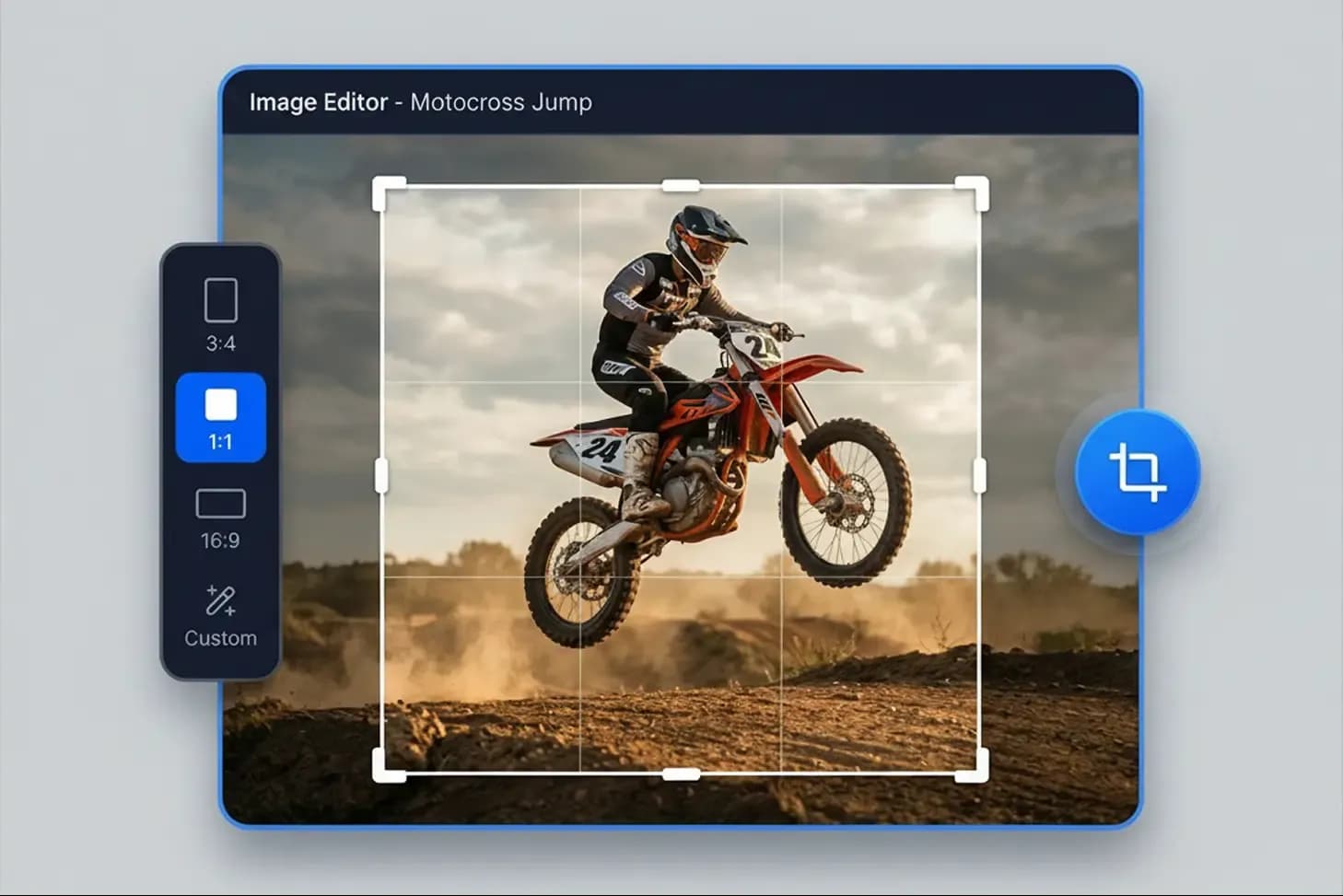
Image Cropper Features
Our photo crop tool includes everything you need for fast and accurate image crop tasks.
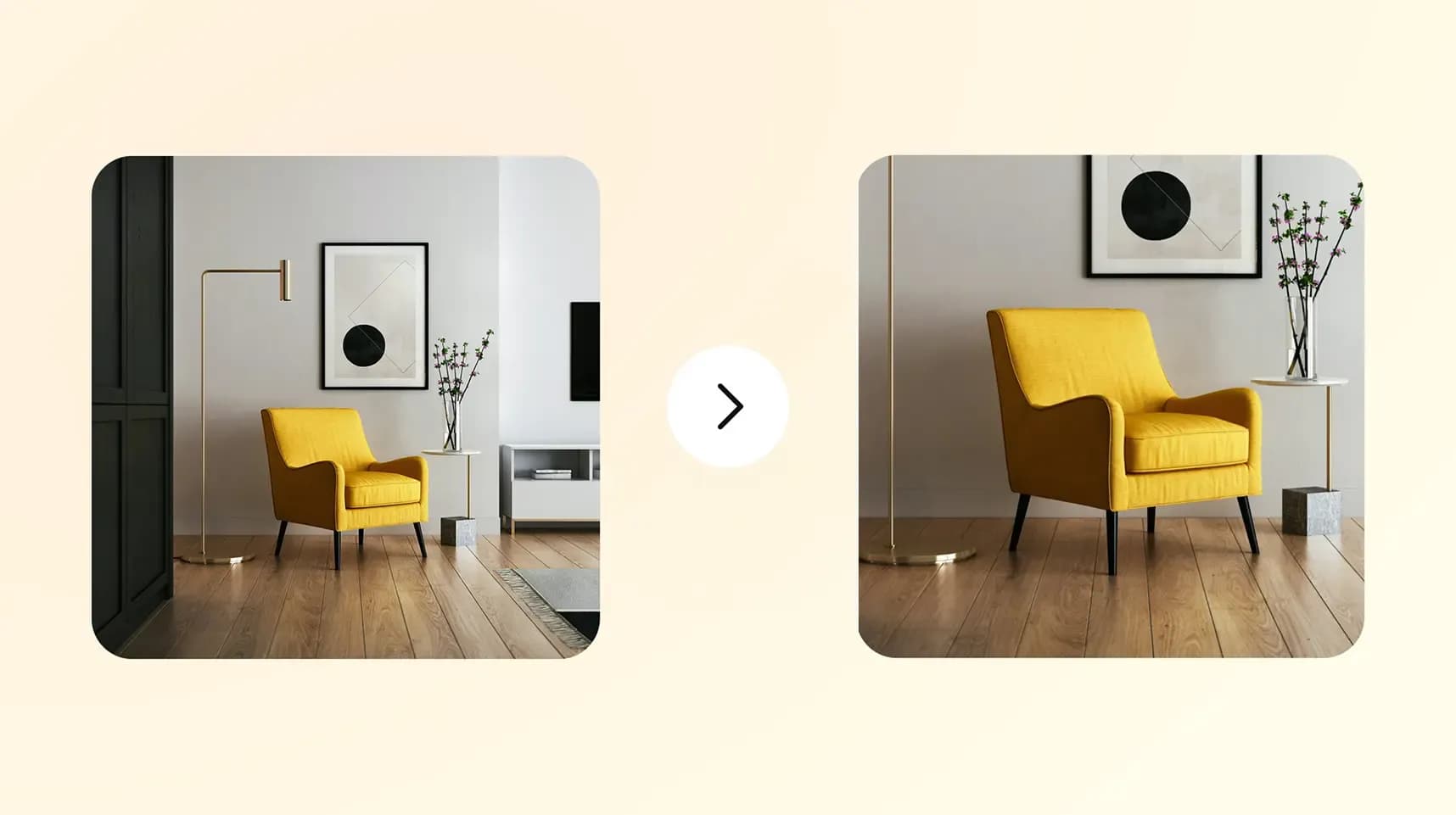
Crop image to any size or rectangle
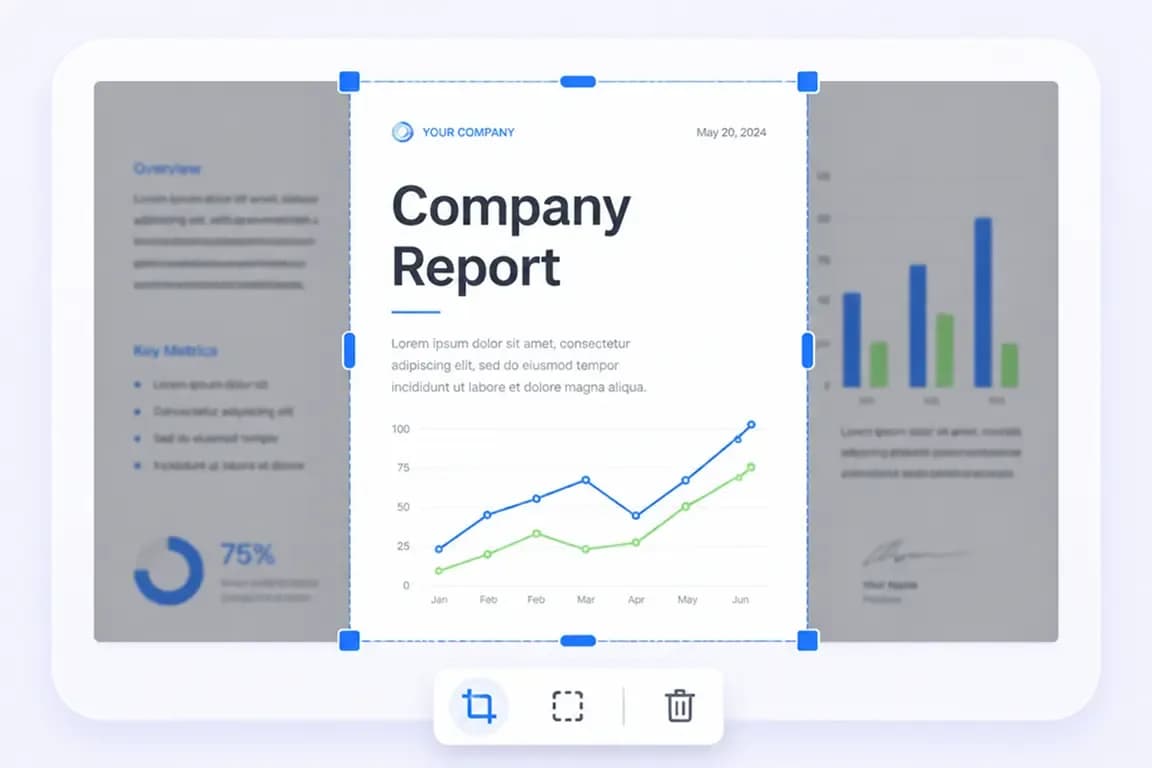
Create a rectangle crop or tailor your image to any custom width and height. Great for banners, ads, thumbnails, and print layouts.
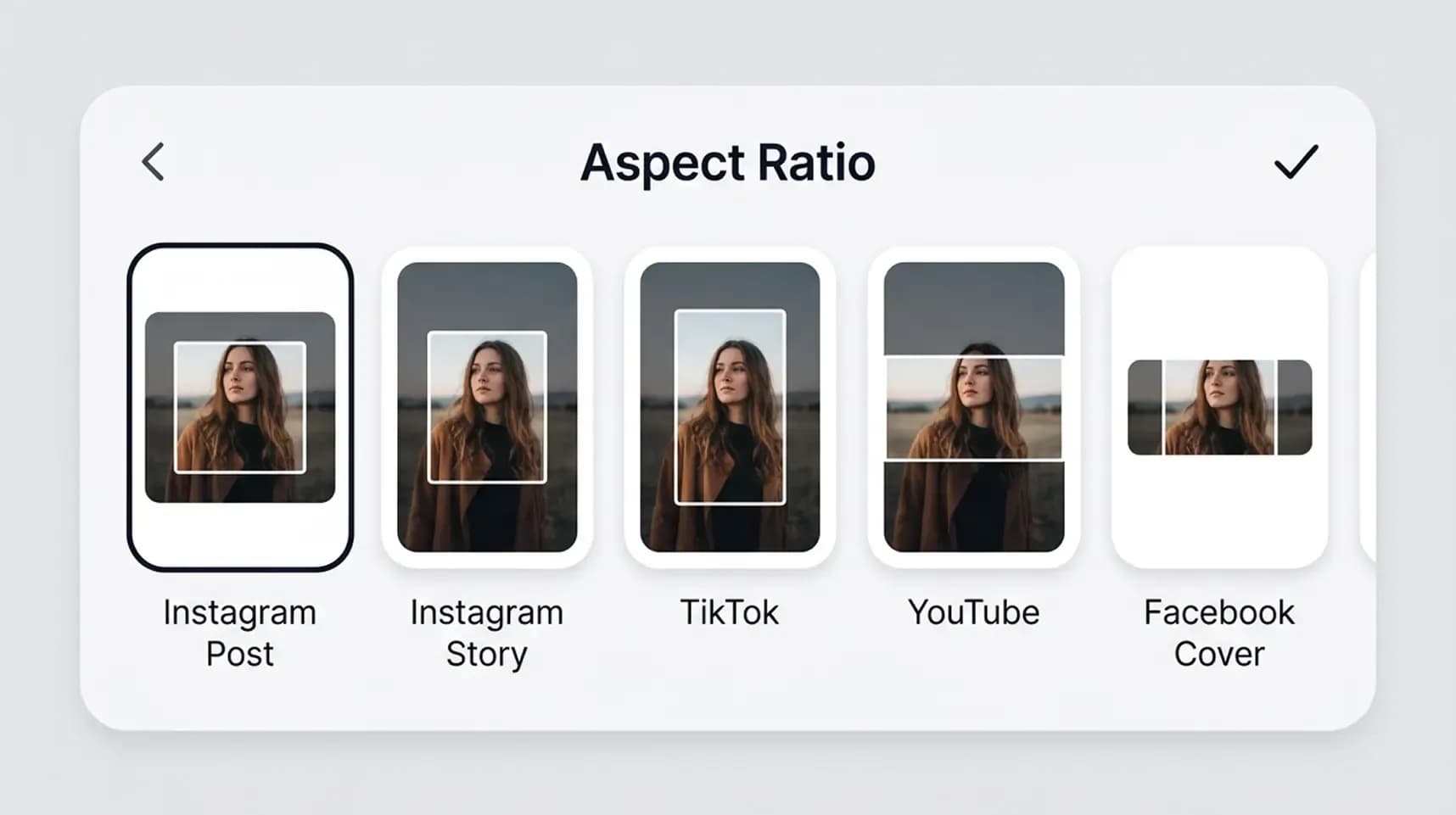
Preset aspect ratio for social media
Use ready-made templates and aspect ratios for Instagram Story, Facebook Cover, profile images, posts, and more.
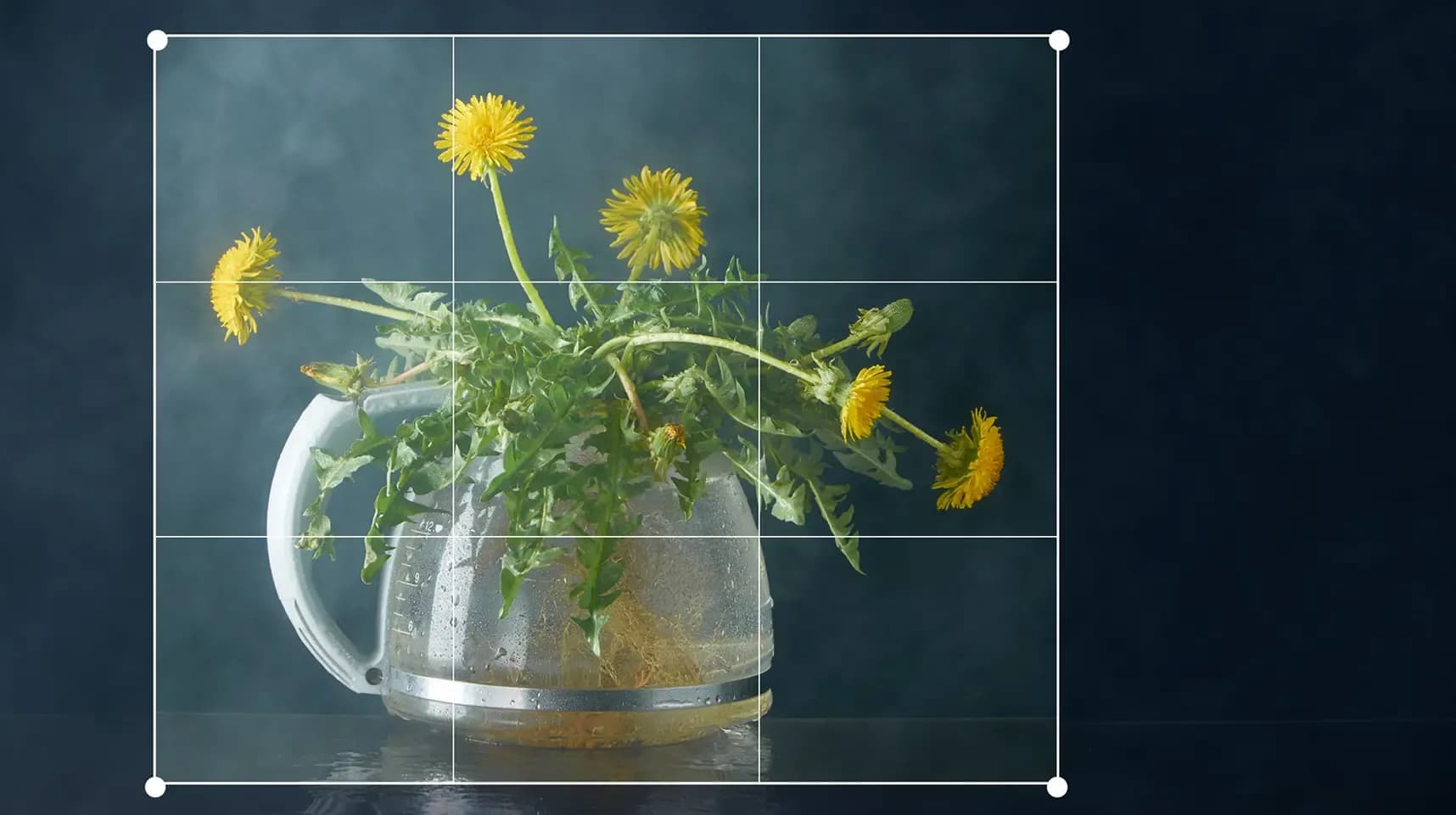
High-quality JPG, PNG, and GIF support
Crop JPG, JPEG, PNG, and GIF files without noticeable quality loss.
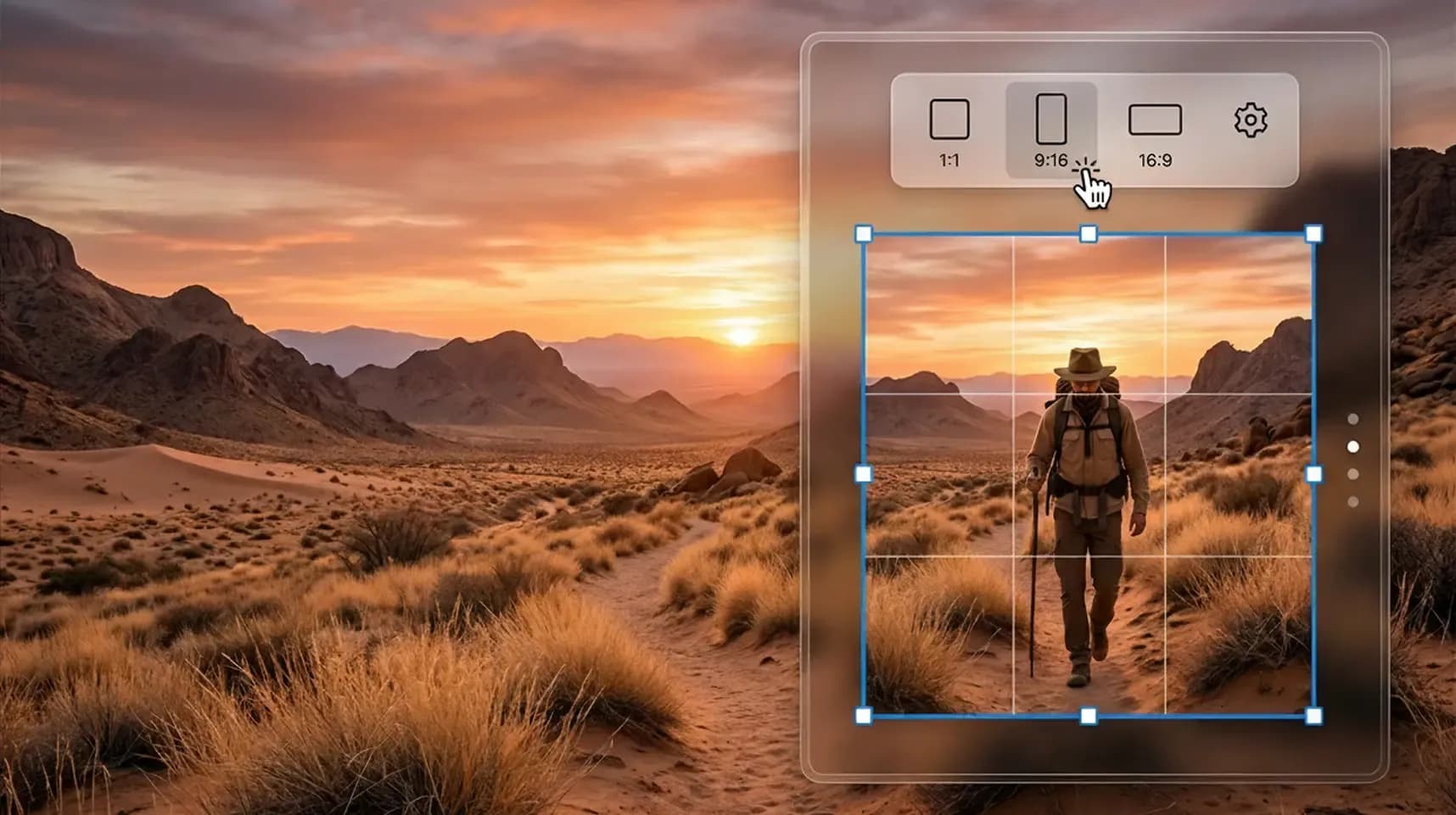
Fast online photo editing with live preview
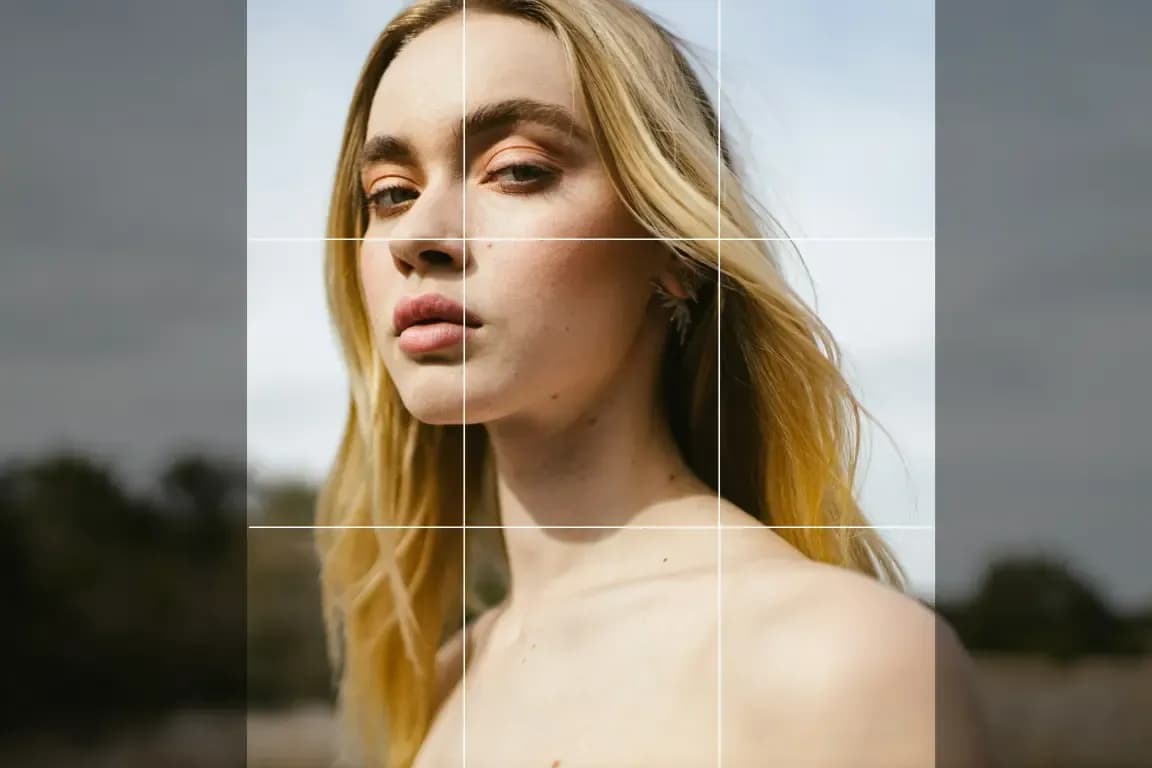
See every change instantly with a live preview. Adjust the crop area, test composition, and highlight the most important part of your photo.
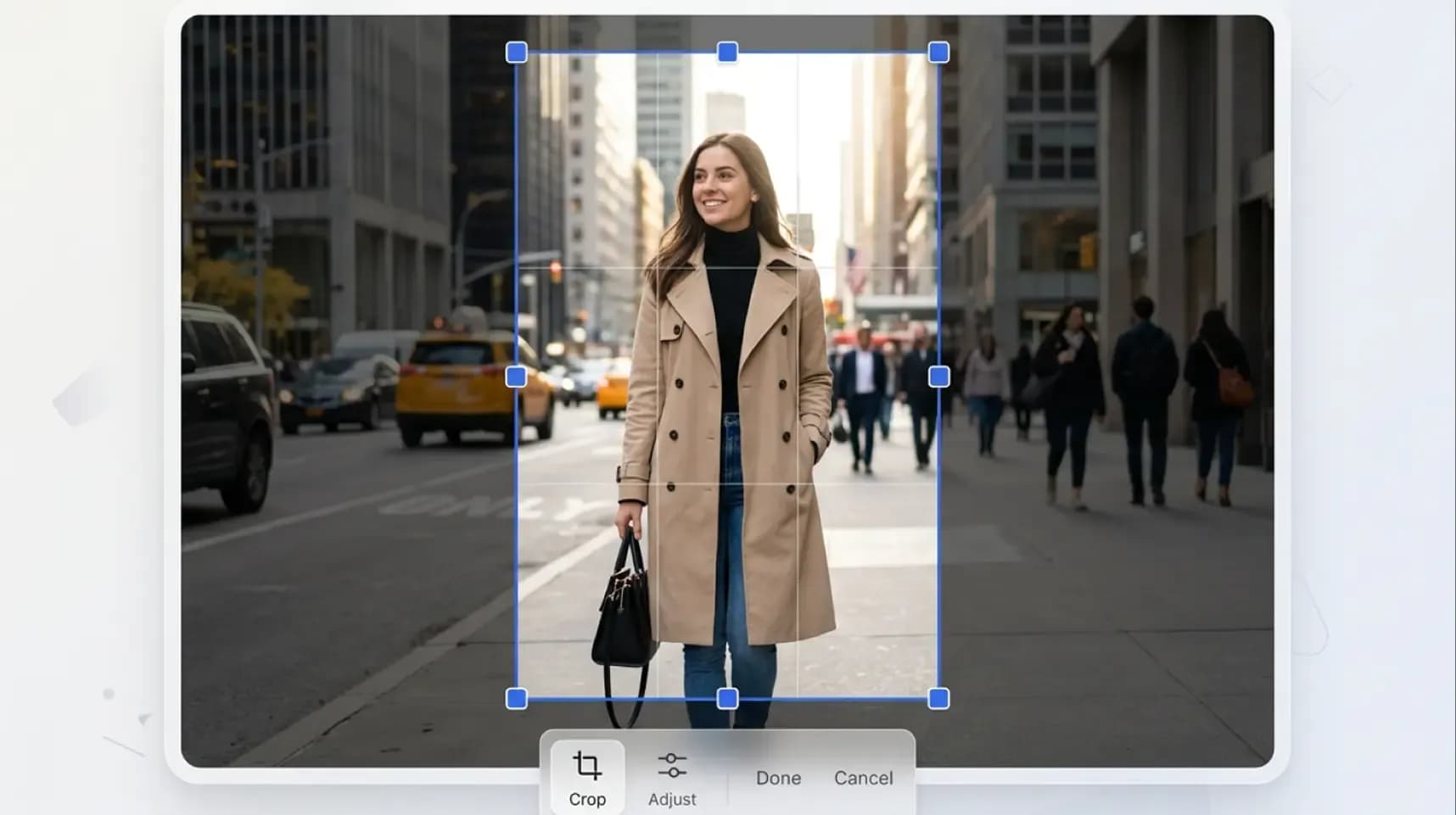
Privacy protected free online crop tool
Your files are processed securely. Images are transferred through protected servers and removed automatically after processing.
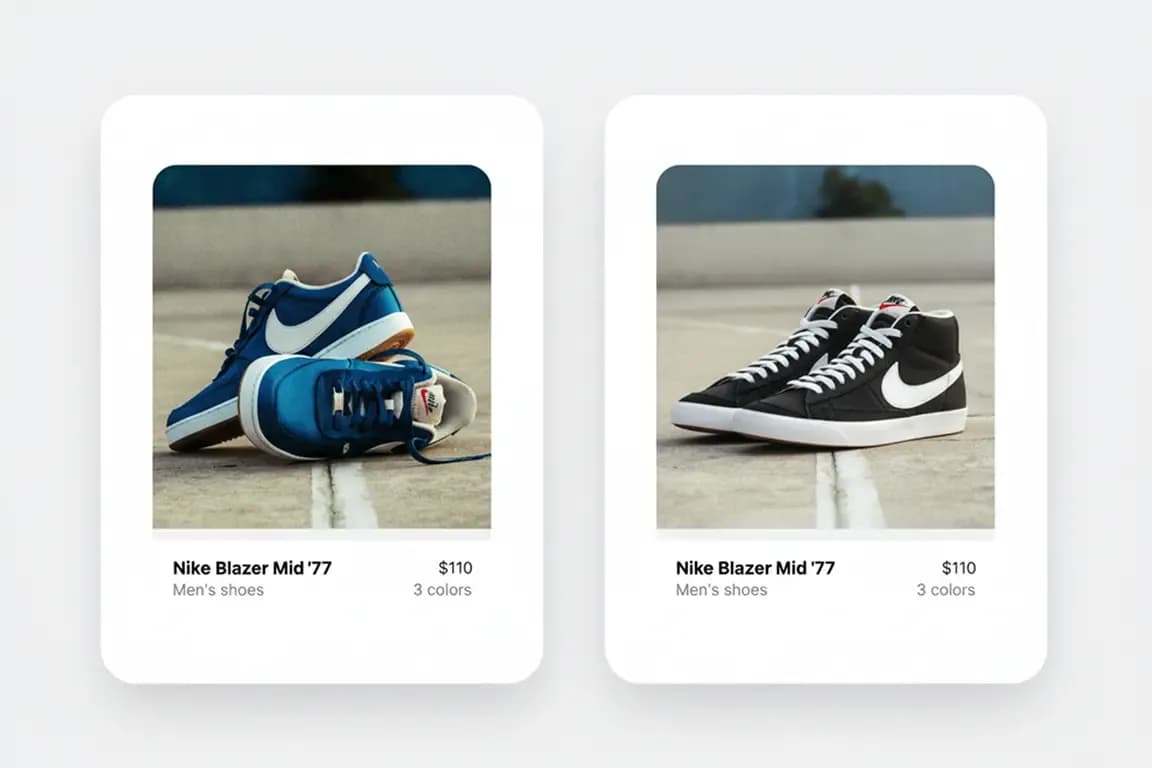
Use Cases for Crop Photos Online
This free image crop tool is useful for personal and professional editing tasks.
Why Choose Our Free Online Image Cropper

No signup required
Start editing instantly with a free to use tool that works right away.
Works on desktop and mobile
Use the cropper on phones, tablets, laptops, and desktop devices in any modern browser.
Fast and easy crop tool
Simple controls, drag handles, and seamless editing features make cropping easy for everyone.
High-quality crop image results
Keep your image sharp, clear, and professionally sized after every crop.
FAQ - Blur Background Tool
Crop Your Image Free Online Now
Use our free photo cropper to upload, crop, and download images in seconds. Fast, precise, ready for any need.
No image? Try one of these: